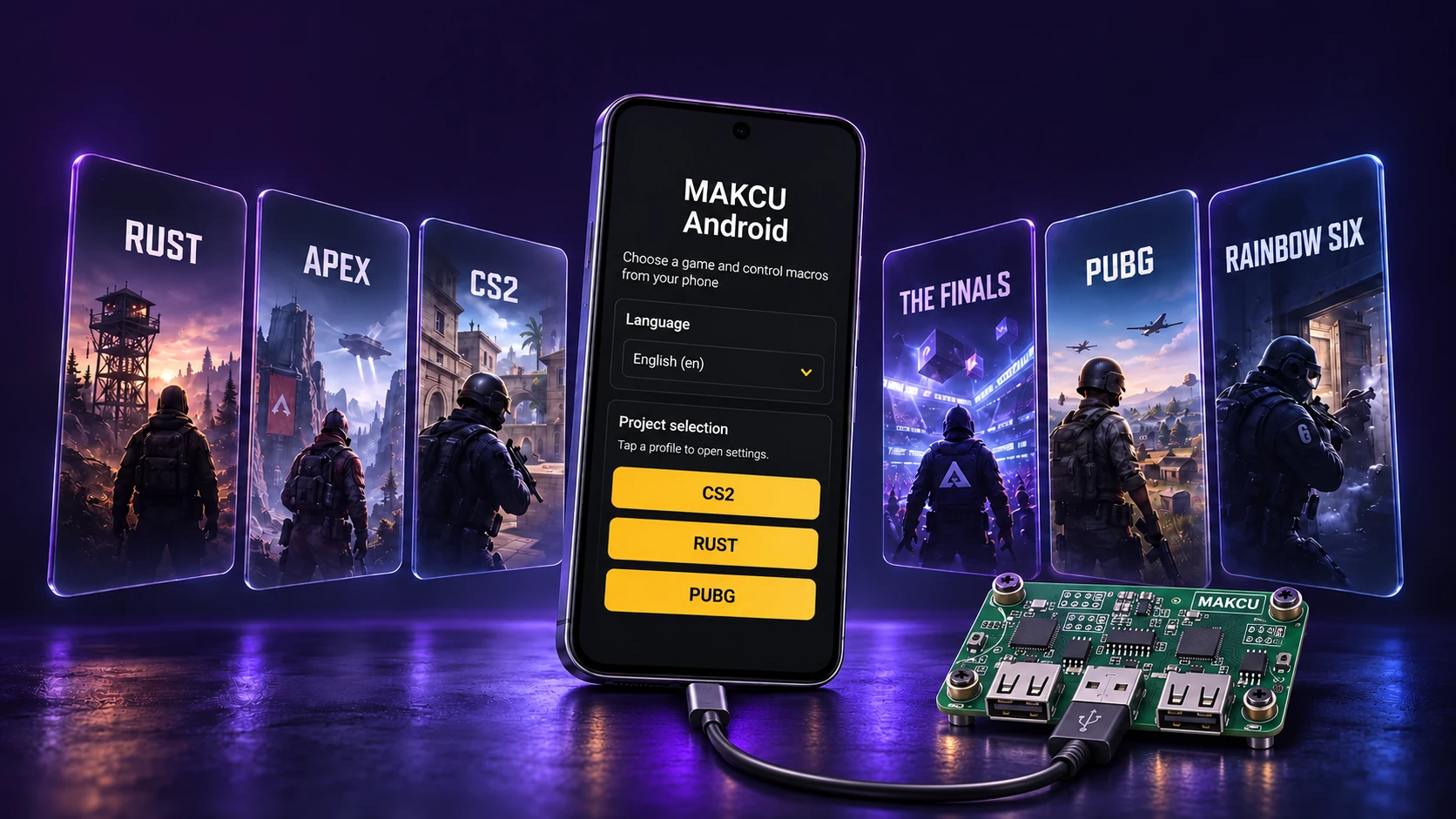
MAKCU · Android
Game macros on your phone
Run macros for your favorite game from your phone, without running restricted programs on your gaming PC.
Set up MAKCU ↗
For your game and your mouse
Choose a macro for your game and mouse. The setup guides show how to open the file in the right software, assign a trigger and check that it works.
Mice and software
Read our positive customer reviews
Digiseller customer reviews
Recoilab services
Having trouble setting up a macro you bought? Tell us where you got stuck in your order conversation on Oplata.info. The contact page lists the details that help us work out what happened.
Update terms vary between a file, a program and a subscription. Your listing explains which new versions you can get, when your access ends and where to download them.
The store offers individual macros and game packs. Compare the price and the included files to find the option you need.
Need a custom macro? We can discuss your sensitivity, frame rate, weapons and sights. For a private order, we’ll agree on the scope and the settings we need before starting.
If your purchase differs from its description, get in touch. We’ll check the order and help with setup. If we confirm a mismatch, we’ll offer a replacement or refund under the store’s terms.
Read what people who use the macros have to say. The store shows feedback from buyers alongside the seller’s replies so you can check both before choosing.
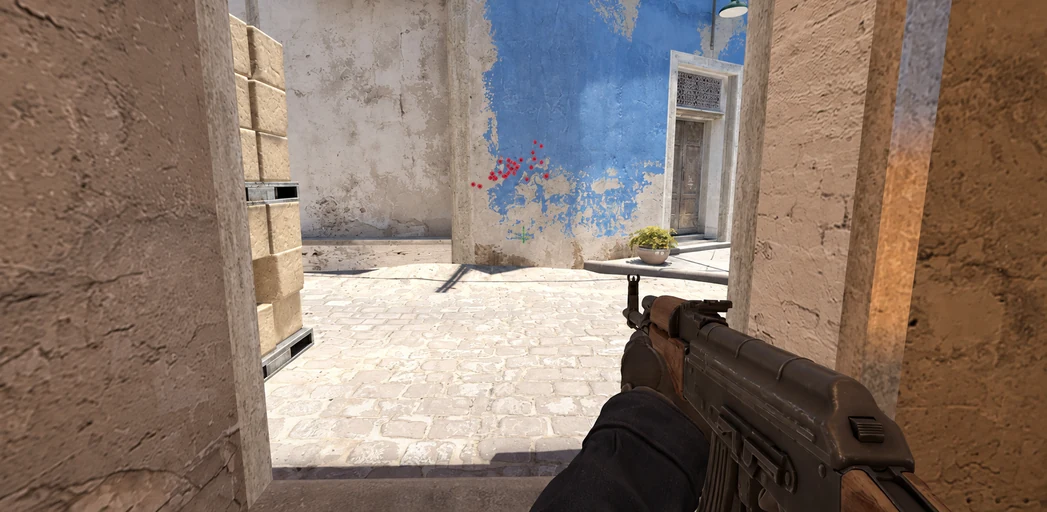
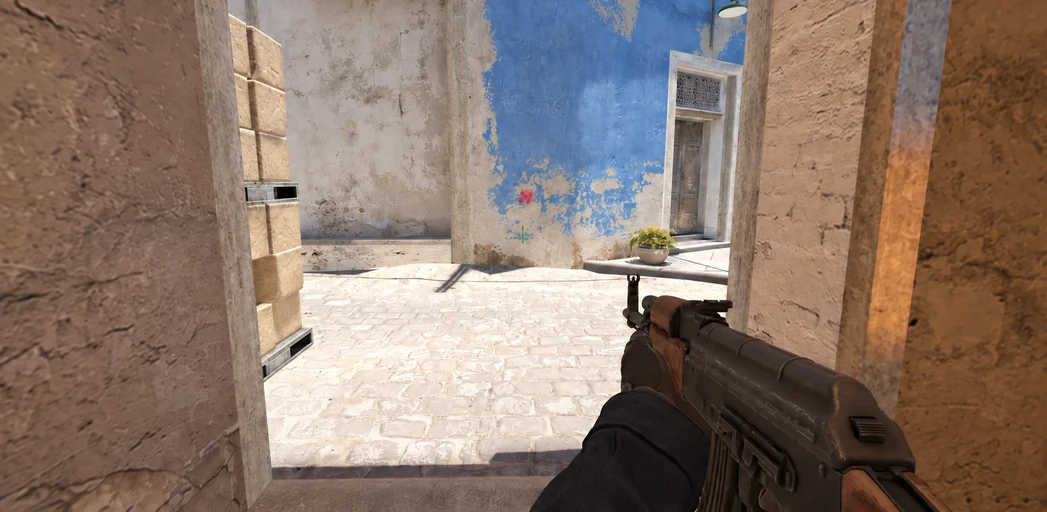
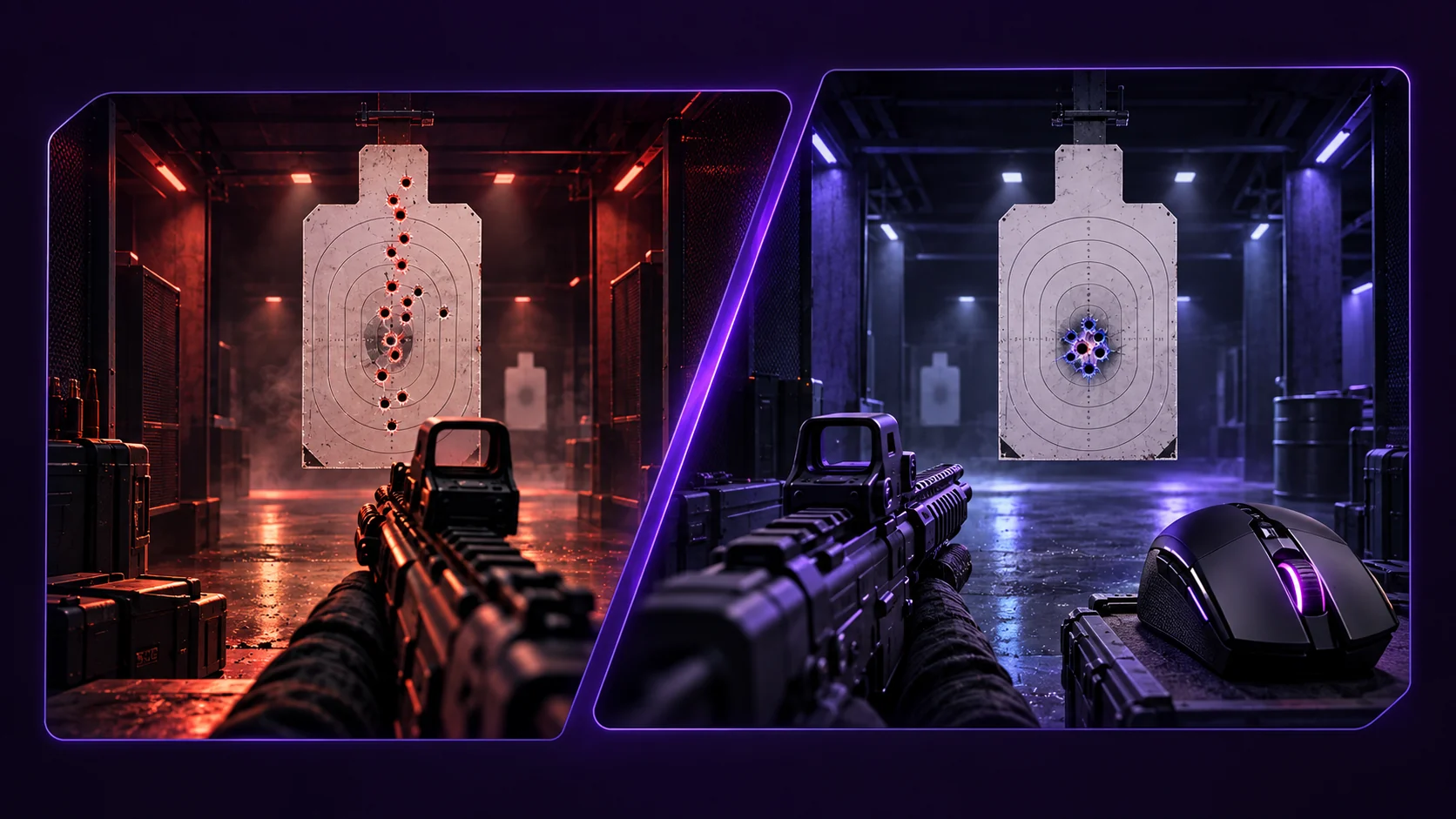
Move the pointer or swipe to compare
Find your game
Our recoil macros draw on years of work with these games. They compensate for recoil throughout a burst to help you keep your aim steady.
What a macro does
A macro records button presses, mouse movements and the pauses between them. When you trigger it, the mouse’s software or onboard memory plays them back in order.
A recoil macro adds mouse movements while you fire. If you change your sensitivity, sight or weapon, check whether the file you chose still matches your setup.
The game’s mechanics and random bullet spread still apply.
About Recoilab
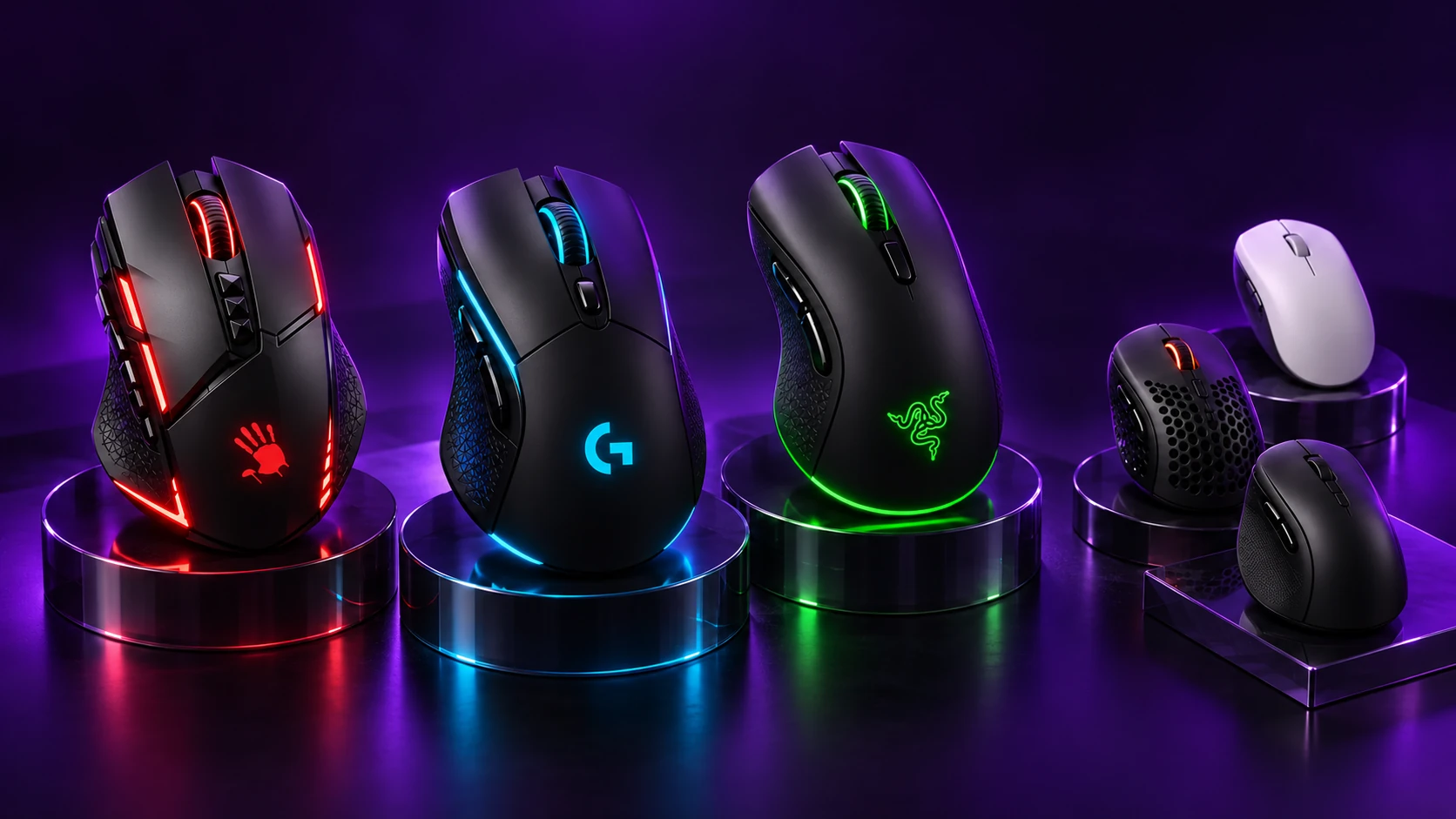
At Recoilab we write macros for Bloody, A4Tech X7, Logitech and Razer gaming mice, along with other supported devices. Each ready-to-use recoil script is built for a particular game and set of settings.
The store has macros for CS2, PUBG, Rust, Apex Legends and more. Choose the version for your setup, complete your purchase and download the files. Our step-by-step guides walk you through installation.
Guides
Choose your mouse software and follow the steps from importing the file to testing the assigned button.
Choose the editor for your file, assign a button and save the settings.
Read moreImport through Oscar III or follow the separate OSCAR 2 steps for older files.
Read moreUse AMC and MGN files, choose the right Core mode and assign a button in Headshot.
Read moreFind the editor for your model, import an AMC file and write it to the mouse.
Read moreLoad Lua, record a macro, select the active profile and troubleshoot startup.
Read moreImport files, move macros from Synapse 3 and set the playback mode.
Read moreCheck the trigger, stop the macro and compare results with consistent settings.
Read moreDistinguish a blacklisted device from a script problem or a USB fault.
Read moreConnect the three USB ports and check communication with the app.
Read moreFind the COM port, release a busy connection and test your mouse.
Read moreFour setups using the TopMacro dashboard, a capture card, Parsec or Discord.
Read moreFind ADS, scope sensitivity and the vertical sensitivity multiplier in PUBG.
Read moreHow to choose a macro, download your purchase and set it up on your mouse.
Imagine saving several actions in one file. Press a button, pause, then move the pointer. Once you trigger the macro, it replays those actions in sequence. Depending on the mouse and file format, the sequence runs from the mouse’s onboard memory or from software on your computer. You’ll need both a compatible device and an editor that can open the file.
A recoil macro moves the mouse to compensate for the rise of the crosshair during a burst. With matching settings, you need fewer manual corrections to hold your aim. Results depend on the weapon, sensitivity, sight and other conditions the file was created for.
Random bullet spread still affects where shots land. You choose the target and aim at it, and individual shots can still miss. How to check the result after installation.
The catalogue includes files for Bloody, A4Tech X7, Logitech and Razer, plus separate software for a wider range of devices. Each product has its own requirements for the mouse model, editor and operating system.
If the listing doesn’t mention your model, ask about compatibility before you pay. You can also check the available options under All mice.
Start with the file you want to use. Check the required editor and format, whether the file needs onboard memory and which models are supported. Then consider the shape, button layout and how the mouse feels in your hand. Even models from the same manufacturer can support different features.
If you already own a mouse, check its compatibility first. It may have everything you need. Our installation guides show which software opens each file format.
Only when the product specifically includes those configurations. Most macros are written for a particular game, weapon and trigger. Changing a file extension won’t convert a Logitech G HUB script into a Razer or Bloody macro. Choose the version for your editor, and check the included files if you’re buying a pack.
Open your game’s page, choose “Go to shop”, then select the category for your mouse. You can also go straight to the macro store. Read the listing to check the game, supported devices, pack contents and access period. Choose an available payment method and follow the checkout instructions.
Keep your order number and enter an email address you can access. You’ll need it to receive the files and contact the seller about your order.
Open the paid order and check the email you provided at checkout. Depending on the product, you’ll find a download link, an activation key and instructions. The delivery should include everything listed in your order.
If the email hasn’t arrived, check your spam folder and the address on the order. If more than 15 minutes have passed since payment was confirmed and you still have no access, send support your order number. The steps are set out in our delivery policy.
If you received an archive, extract it and read the included instructions. Open the software for your mouse and add the file you need. In G HUB, attach the Lua script to the profile named in the guide, then check which buttons trigger it. In Bloody, Oscar Editor and Synapse, assign the imported macro to a button and save your changes. If you bought an app, use its own installation and activation instructions.
Find your format in the getting started guide. Then check the instructions that came with your purchase for the required settings and the controls that start and stop the macro.
Check the active profile in your mouse software and the trigger specified in the instructions. If one file contains several macros, select the entry for your weapon. Compare your sensitivity and sight with the listing. Change one setting at a time so you can tell which adjustment made a difference.
If you’re still stuck, contact support. Include your mouse model, editor version, product name and what happens when you try to run it. A screenshot of the error or a short recording can help. Keep your password and full activation key private.
Yes, we can discuss a custom order. Email [email protected] with the game, weapon, mouse and setup you want. We may also need your sensitivity, sight and frame rate (FPS). We’ll confirm whether the requested setup is feasible, what the order covers and the price. Some combinations have no ready-made option.
That depends on the file format and the product terms. If the file is editable, save the original first and follow the instructions when changing values. For an app, use the settings it provides. Source code is included only when the listing explicitly says so.
You don’t have to reinstall after every patch. Changes to recoil, weapons or input settings can mean the macro needs an update or an adjustment. Your product listing explains where to get new versions and whether you can download the files again.
Subscriptions run for the paid term. A perpetual licence, where offered, does not guarantee compatibility with every future patch. The terms and update commitments attached to your purchase still apply. See our terms of use.
Price alone tells you little about file quality. Check the game version it was built for, whether it has clear instructions, who distributes it and whether support is available. A free macro can suit your setup, but old settings or an unknown source can cause problems. Check downloaded files before you use them and avoid running unfamiliar installers.
Each Recoilab listing describes what’s included, the price and the support terms. If a demo or trial is available for a particular product, the listing says so.
Write to the seller in your order conversation on Oplata.info. You can also find contact details on our support page. For a purchase, include the order number. For setup help, tell us the game, mouse model and software you use so we can get straight to the issue.


