
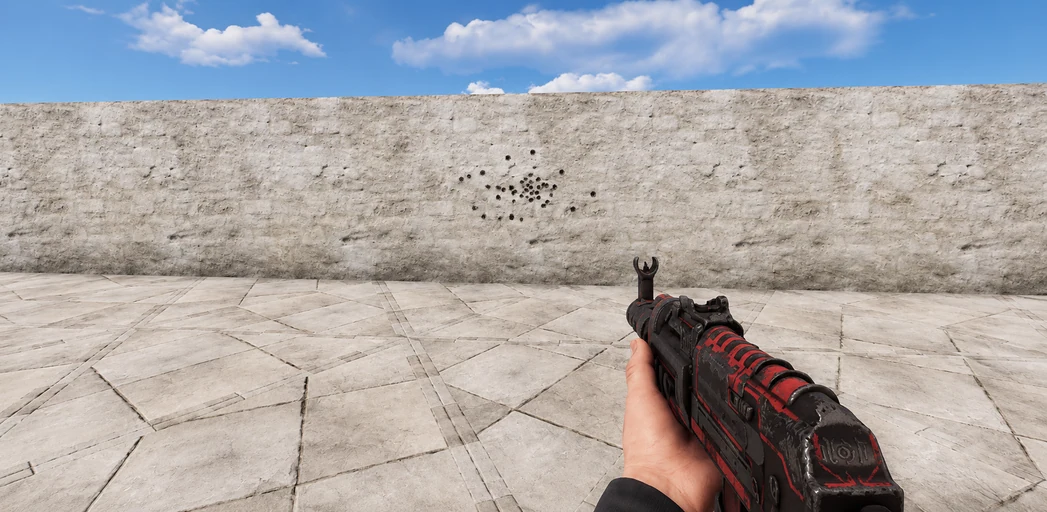
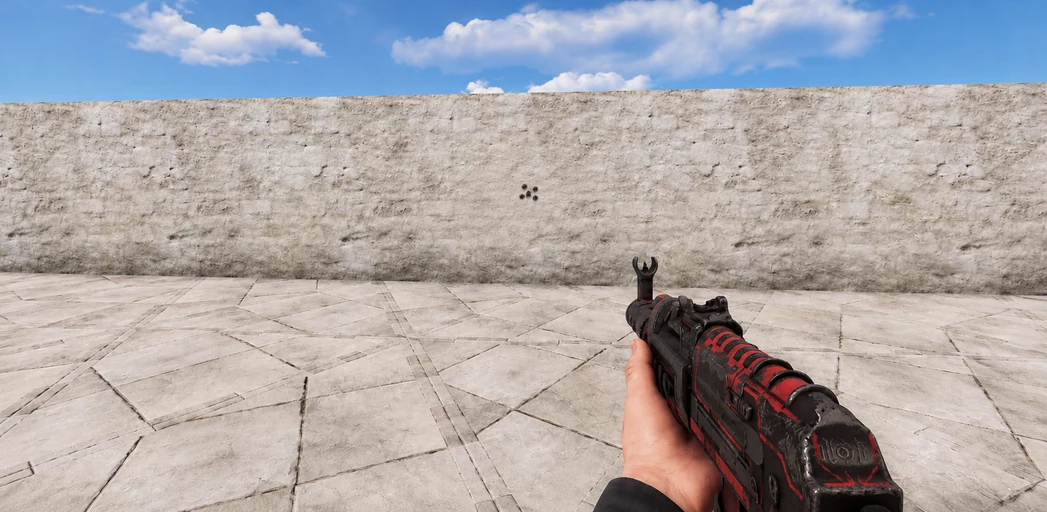


- Weapon setup
- Check the weapon, stance and scope.
- Game settings
- Sensitivity, ADS and FOV.
- A separate check
- Input support for the way you run Rust.
Will the macro work with your mouse and game?
First make sure your mouse software can open the file. Then compare your weapon and settings with its instructions, and check whether this input method is supported in your version of Rust. A successful import alone does not confirm that the macro will work in the game.
A Logitech or Razer label identifies the device family, but not every operating requirement. For example, a file intended for cloud gaming may not work with Rust installed on your PC.
What is changing in your setup?
A pack may have separate sequences for crouched and standing fire. Check how to switch: it does not necessarily happen automatically when you crouch.
Open guideReady-made and adjustable Rust macros
A macro with preset settings
The description should list the weapons, scopes and starting settings. Before installing, find the version that matches your setup, rather than the one with the closest name.
An adjustable macro
Check the description to see what can be changed. Some files let you adjust mouse movement strength; others may also provide intervals and separate directional adjustments.
If one Lua file contains several macros, note the weapon and scope selection keys as well as the master switch. Check the selected version after changing your weapon or optic.
Pack contents
How to check whether a pack covers your scopes and stances
Suppose you use one rifle with iron sights and an 8× scope, firing both crouched and standing. Check these four combinations when choosing a pack:
- Iron sights, crouched.
- Iron sights, standing.
- 8× scope, crouched.
- 8× scope, standing.
For each combination, find out how it is configured: a separate file, a switchable mode or preparation for your settings. A long weapon list may not cover the optic you need, while several versions for one rifle may fit your needs better.
In this example, the important thing is to cover all four combinations; the number of files depends on how the pack is organised. Then compare sensitivity, FOV and ADS with the instructions. Check local or cloud Rust support separately.
What to record before changing settings
| Setting | What it helps you check |
|---|---|
| Sensitivity and ADS | Whether the in-game settings match the file instructions. |
| FOV | Whether the conditions for a visual comparison are unchanged. |
| Weapon, stance, attachments | Whether the selected macro matches your current loadout and stance. |
| Editor and mouse mode | Where the sequence runs and how it is activated. |
Follow the instructions for your own pack. Some files are prepared for the buyer’s sensitivity; others require specific in-game values. If you want to use the pack with a different sensitivity, capture the Rust settings screen showing the new mouse sensitivity and ADS values. Send the screenshot to the seller through your order conversation on Oplata.info. Include the FOV, weapon, stance and optic you need the adjustment for.
If you use an application with MAKCU
For this setup, the application requirements and board connection matter, rather than Lua or AMC folders. The board sends input; weapon recognition, where available, runs in the application. On a second PC, the application also needs a supported source of the game image.
Connecting MAKCU · Game image on a second PC
The message EAC: Blacklisted device is a separate issue: Facepunch recommends replacing the blocked device. Reflashing it or renaming a file is not a confirmed solution to this restriction.
Frequently asked questions
Why did a new scope change the result?
Check your ADS sensitivity and whether the pack includes a macro for the new optic. To isolate the change, try the previous scope with the same settings.
Does a multi-script automatically select a weapon I pick up?
Not necessarily. It usually contains several sequences and a way to switch between them. Automatic recognition must be explicitly listed as an application feature.
What should I check after a Rust update?
Check that sensitivity and FOV are unchanged, that the correct mouse profile is active, and whether your weapon changed. Do not delete the previous file before identifying the cause.
What should I check before playing Rust through the cloud?
Read the macro description to see whether it supports cloud gaming. If a specific service is listed, check that it is the one you use.