


- Purpose
- Recoil compensation or repeated clicks.
- Choosing a macro
- The specific weapon and firing method.
- Controls
- Starting, stopping and selecting the weapon macro.
What do you need it for?
A useful option for one familiar setup. Check the sensitivity, activation condition and how a new burst begins.
Open guideWhich weapons are included in a pack?
CS2 packs may include separate versions for the AK-47, M4A4, M4A1-S and other weapons. Extra sequences for sniper rifles or repeated clicks may be limited to a particular pack version and editor.
Compare the weapon list and available modes with how you play. If you need a macro for one rifle, check the sensitivity it was prepared for. If you use several weapons, check how to switch macros when changing weapons.
Check how a burst starts, continues and stops
A macro plays movements and delays in a set order. What happens after a short click or a held press depends on the playback mode. Check whether releasing the button interrupts the sequence or lets the current cycle finish: a run-once mode can play the entire sequence even after a brief click.
- One brief activationCheck which event starts the movement and what happens when you release the button.
- Activating it againMake sure a new burst starts at the intended point instead of continuing an unfinished cycle.
- Changing weaponsSelect the macro for your new weapon and make sure it is enabled. Check the weapon-selection key and master switch in the instructions.
If the start matches but the end drifts noticeably, the cause may not be overall movement strength. Do not increase all compensation before checking the duration and timing of the sequence.
After a burst
Why your aim may move after you release the button
Some Lua packs include a separate aim-return action after the main sequence. It usually has its own toggle and speed. Extra movement does not always mean a repeat cycle is stuck.
How to distinguish aim return from an unfinished cycle
Look for this feature in the instructions for your file. If it is included, compare the same macro with aim return enabled and disabled using its supported setting. Leave the main compensation strength and intervals unchanged for now. Also check any limitations, such as whether the feature is tied to crouching.
If the description does not mention aim return, check the playback mode and how the current sequence ends. A key listed in another pack’s instructions may do nothing in your file.
What sensitivity does the macro need?
You can use any DPI setting on your mouse; it will not affect how the macro works. Set your CS2 sensitivity according to the instructions for your macro. Different packs may require different values.
Want to adjust your pack to your usual CS2 sensitivity? Open Keyboard / Mouse and take a screenshot of Mouse Sensitivity. Send it with the pack name to the seller through your order conversation on Oplata.info.
Also check whether you are manually compensating for recoil while the macro is active. The combined movement can pull your aim down even when you have selected the correct file.
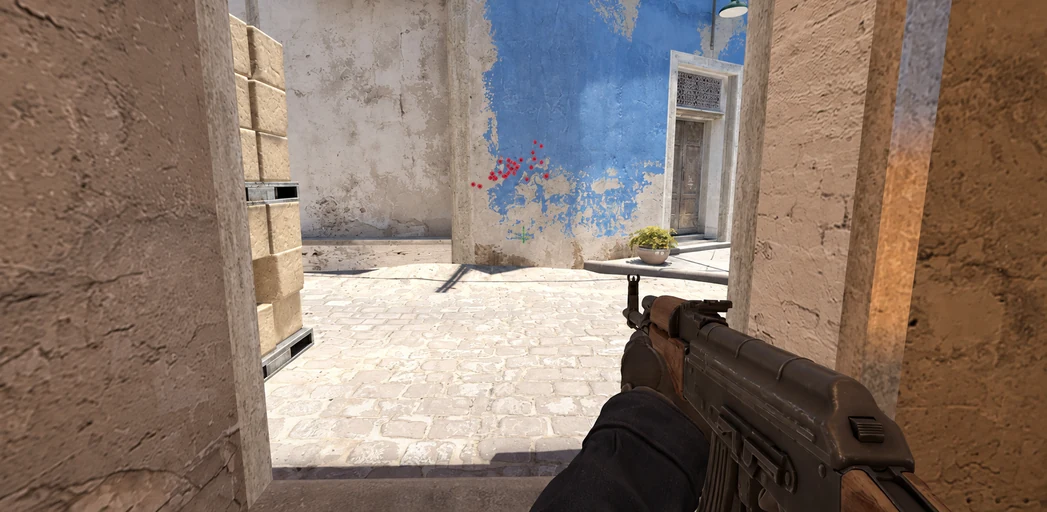
For comparison, fire several identical bursts from the same position. One successful hit tells you little about the setup. A macro compensates for a predefined movement, but it does not control random spread or remove the effects of character movement.
Open the file in the right editor
Logitech and Razer
Lua files use the scripting section in G HUB. Razer files need a compatible Synapse import and a macro assigned to a button. Check the Synapse version before importing.
Bloody and A4Tech X7
Choose the editor for your model, add the file and save the assignment. Importing into a library is different from writing to the device memory.
An editor working on the desktop does not confirm that its input is supported on every gaming platform. Check CS2, server and tournament-service conditions separately.
Frequently asked questions
Do I need to replace the file after every game update?
Not necessarily. First find out whether the weapons, settings or launch conditions changed. Then compare them with the description of your macro version.
Will one macro work for both the AK-47 and M4A1-S?
Look for both rifles in the macro description. For a multi-script, check how to switch between them.
The file is imported but there is no movement. What should I do?
Check the active editor profile, button assignment and ON/OFF condition. Do not change movement settings until you have confirmed that the macro actually activates.
Is a clicker a recoil macro?
They serve different purposes. A clicker repeats presses; a recoil macro defines movements. A particular sequence can combine them, but neither function automatically includes the other.