
Select a video to see its audio and subtitle language.
Product description
Settings for this macro:
Mouse — Logitech G series. Supported models include Logitech G Pro, MX518, G102, G305, G403, G402, G502, G603, G604, G703, G903, G900, G302 and G303. This list may not be exhaustive.
G Pro Wireless is supported.
Works with all versions of Windows and G HUB.
Install this pack's macros through Logitech G HUB. The file format is Lua (.lua).
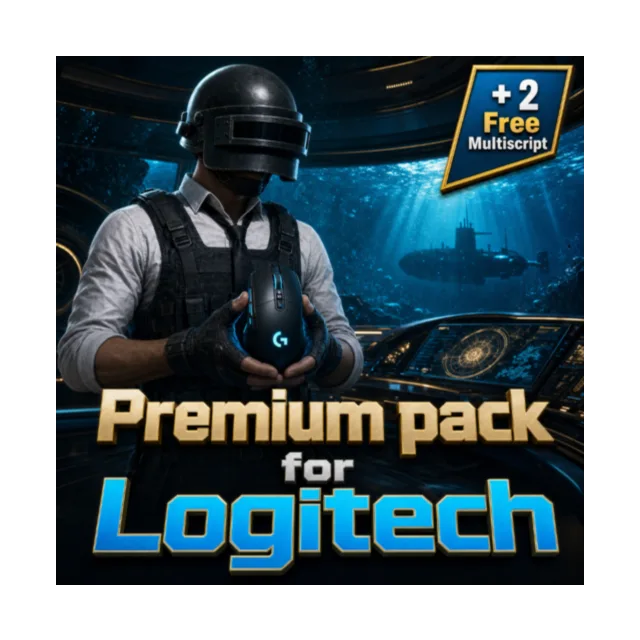
Premium Pack includes all weapon, sight and stance variants. You can also request 2 multiscripts of any size from the seller at no extra cost. Ask for details through your Oplata.info order conversation.
Multiscript
We can configure convenient key combinations for switching between macros. The number of bindings can be higher or lower depending on what you need.
Example setup:
ACE32 — G5 + left Ctrl
AKM — G5 + left Shift
AUG — G5 + left Alt
BERYL — G5 + right Ctrl
BIZON — G5 + right Shift
DP-28 — G5 + right Alt
FAMAS — G4 + left Ctrl
G36C — G4 + left Shift
GROZA — G4 + left Alt
JS9 — G4 + right Ctrl
K2 — G4 + right Shift
M249 — G4 + right Alt
M416 — G6 + left Ctrl
MG3 — G6 + left Shift
MP9 — G6 + left Alt
MP5K — G6 + right Ctrl
P90 — G6 + right Shift
QBZ — G6 + right Alt
SCAR-L — G3 + left Ctrl
THOMPSON — G3 + left Shift
UMP9 — G3 + left Alt
UZI — G3 + right Ctrl
VECTOR — G3 + right Shift
In-game sensitivity
This pack is configured for default sensitivity. Open Settings → Controls → Mouse Sensitivity and select Default. If you need a different value, contact the seller through your Oplata.info order conversation after purchase and request a version for your sensitivity.
DPI adjustment:
You can also change your mouse DPI to make aiming more comfortable.
This will not affect how the macros work.
Included in the pack:
- A separate macro for each build, matched to its recoil.
- Versions for all stances: standing, prone and crouching.
- Maximum achievable control.
- LMB + RMB versions are included: compensation runs only while both buttons are held. This helps avoid accidental aim movement when throwing a grenade or picking up items.
📦 This Premium Pack includes macros for all weapon types and every possible build.
To order a multiscript, choose the .lua files you need from the pack and specify a combination for each. Use left and right Alt, Ctrl and Shift — 6 keys in total — combined with extra mouse buttons G3, G4, G5, G6 or others available on your model. For example: AKM — G4 + left Shift; M4 — G4 + right Alt. Send the list and .lua files through your Oplata.info order conversation. G102 has G3–G6; G502 has 9 buttons; PRO X SUPERLIGHT has G3, G4 and G5, or 3 in total.
About random spread:
PUBG has random vertical and horizontal spread,
so a macro cannot eliminate every shot deviation.
If your result differs:
If your aim moves sharply up or down,
first compare your weapon, stance and sensitivity with the instructions.
If the cause is unclear, ask the seller for help.
💾 Getting the archive:
After payment, you receive an immediate download link to an archive with the macros and instructions.
📧 The link is also sent to the email address you provide at checkout.
🌐 All your purchases are available in your account at https://oplata.info
📖 Useful links:
🔹 Macro installation guide:
How to install a mouse macro
🔹 More about PUBG and supported macros:
PUBG macros
Enjoy your game!
Additional information
Supported mice
For Logitech G-series mice only.
The macros run through a supported mouse and its software. They simulate mouse movements to compensate for recoil without modifying game files.
For help choosing or configuring a macro, use the order conversation on Oplata.info
Enjoy your game!
Discounts
| Previous purchases from | Discount |
|---|---|
| 200 USD | 30% |
| 100 USD | 25% |
| 50 USD | 20% |
| 30 USD | 15% |
| 15 USD | 10% |
| 5 USD | 5% |