
Select a video to see its audio and subtitle language.
Product description
==============================
Requirements and settings
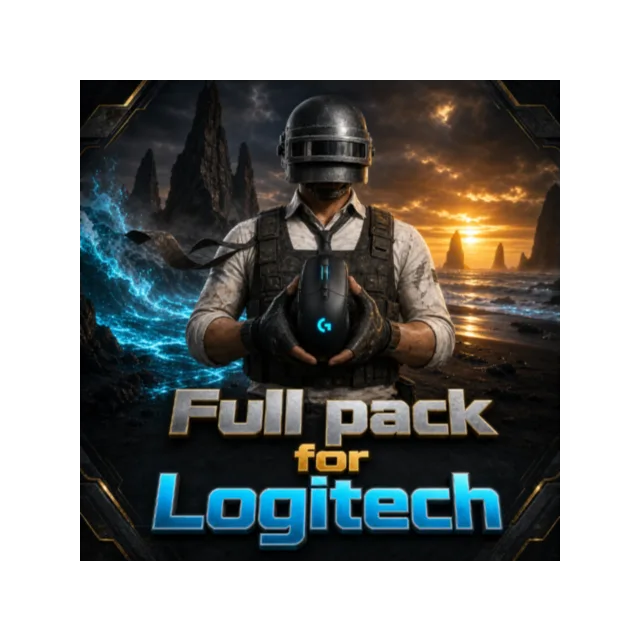
🖱 Mouse — Logitech G series
Supported models include:
MX518, G102, G305, G403, G402, G Pro, G502, G603, G604, G703, G903, G900.
G Pro Wireless is supported.
In-game sensitivity
This pack is configured for default sensitivity. Open Settings → Controls → Mouse Sensitivity and select Default. If you need a different value, contact the seller through your Oplata.info order conversation after purchase and request a version for your sensitivity.
DPI adjustment:
You can also change your mouse DPI to make aiming more comfortable.
This will not affect how the macros work.
Included in the pack:
- A separate macro for each weapon, matched to its recoil.
- Versions for all stances: standing, prone and crouching.
- Maximum achievable control.
- LMB + RMB versions are included: compensation activates only while both buttons are held. This helps prevent accidental activation when throwing a grenade or picking up items.
📦 This Full Pack includes macros for all weapon types with 1x and 2x sights, without attachments.
⚠️ Please note: if you need macros for every weapon build, including all attachments and different sight magnifications, we recommend the Premium Pack.
About random spread:
PUBG has random vertical and horizontal spread,
so a macro cannot eliminate every shot deviation.
Macro controls:
Toggle the macro with G5 (the side button on the left of the mouse).
A Caps Lock ON/OFF version is also available, so you can choose the method that suits you.
If your result differs:
If your aim moves sharply up or down,
first compare your weapon, stance and sensitivity with the instructions.
If the cause is unclear, ask the seller for help.
Do not use recoil-affecting attachments with this Full Pack. The maximum supported sight magnification is 2x.
The macros are designed for weapons without modifications that alter recoil.
If your aim is pulled down, check for a compensator or another recoil-reducing attachment.
If you want to use attachments, we recommend the Premium Pack.
💾 Getting the archive:
After payment, you receive an immediate download link to an archive with the macros and instructions.
📧 The link is also sent to the email address you provide at checkout.
🌐 All your purchases are available in your account at https://oplata.info
📖 Useful links:
🔹 Macro installation guide:
How to install a mouse macro
🔹 More about PUBG and supported macros:
PUBG macros
Additional information
Supported mice
For Logitech G-series mice only.
The macros run through a supported mouse and its software. They simulate mouse movements to compensate for recoil without modifying game files.
For help choosing or configuring a macro, use the order conversation on Oplata.info
Enjoy your game!
Discounts
| Previous purchases from | Discount |
|---|---|
| 200 USD | 30% |
| 100 USD | 25% |
| 50 USD | 20% |
| 30 USD | 15% |
| 15 USD | 10% |
| 5 USD | 5% |